

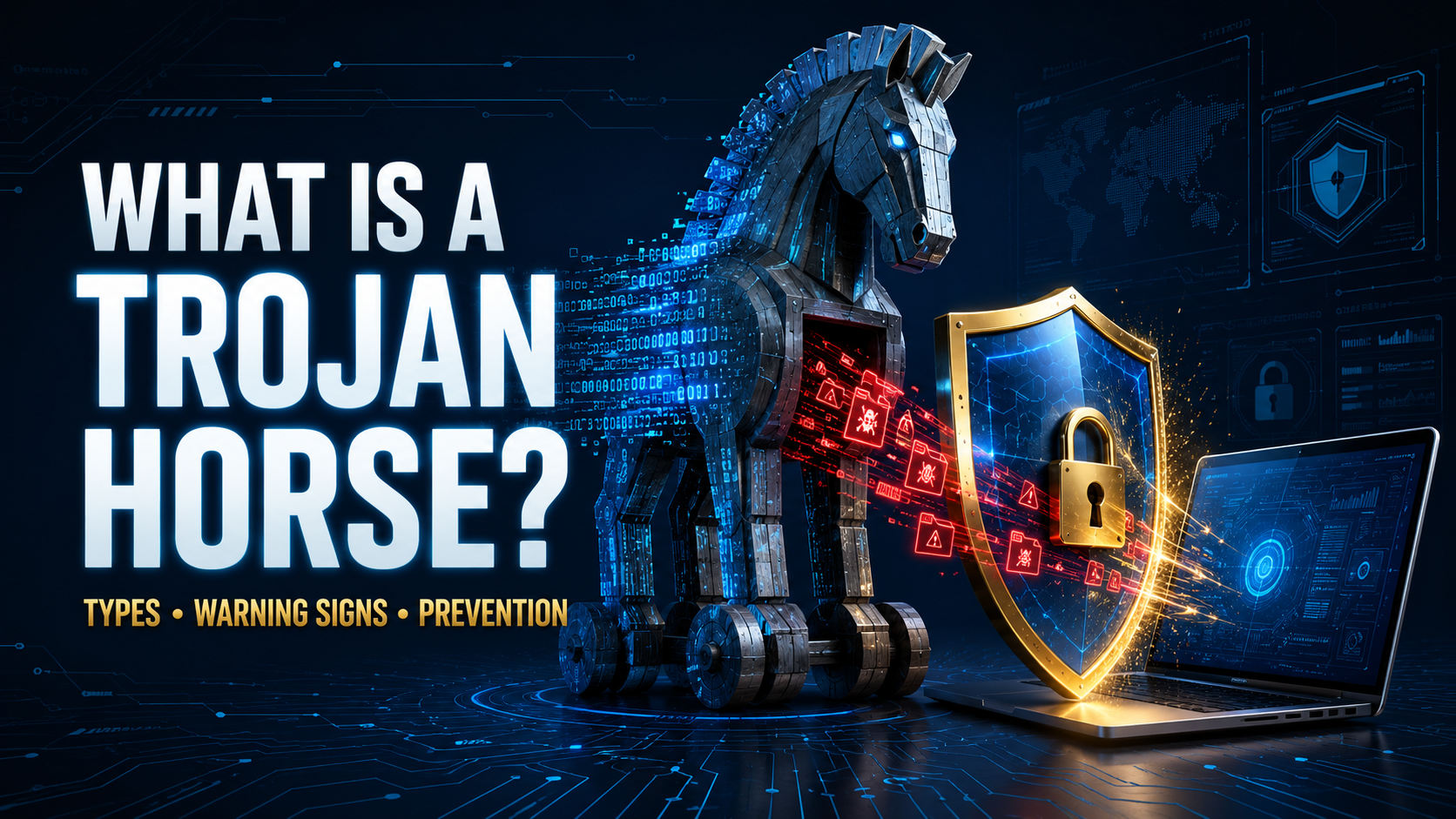
A Trojan horse can look like the exact thing someone wants: a free application, useful browser extension, game modification, security update, shared document, or media file. The program may appear harmless, or even work as promised, while secretly installing malware or giving an attacker access to the device.
This disguise is what makes a Trojan horse attack different from many other cybersecurity threats. The victim is persuaded to download, open, or install the program because it appears legitimate.
Once active, a Trojan can steal passwords, monitor activity, install ransomware, alter security settings, or allow someone to control the device remotely.
What Is a Trojan Horse?
A Trojan horse, commonly shortened to Trojan, is malware that pretends to be a legitimate or harmless file, program, or message.
The name comes from the ancient Greek story of the wooden horse used to secretly enter the city of Troy. In the digital version, malicious code hides inside something the victim chooses to trust.
Unlike a computer virus or worm, a Trojan does not normally reproduce and spread by itself. Microsoft defines Trojans as threats that must be manually downloaded or installed by another form of malware. Microsoft Learn
A Trojan relies heavily on deception. It may use a familiar icon, copied website, convincing filename, fake security warning, or attractive offer to persuade someone to run it.
How Does a Trojan Horse Work?
A Trojan attack usually begins with a disguised file or link. The attacker distributes it through email, social media, messaging applications, download websites, online advertisements, or compromised accounts.
The process often follows these stages:
- The attacker disguises malicious code as a legitimate file
- The victim downloads or opens it
- The Trojan installs or runs in the background
- It changes settings or connects to a remote server
- The attacker steals information or sends additional commands
- Other malware may be downloaded onto the device
Some Trojans create an immediate problem, while others attempt to remain hidden for weeks or months.
A Trojan may communicate with a command-and-control server, allowing its operator to update the malware, collect stolen information, or tell the infected device what to do next.
What Can a Trojan Do?
The damage depends on the Trojan’s design and the permissions it obtains.
A Trojan may:
- Steal passwords and login cookies
- Record keystrokes
- Capture screenshots
- Monitor browsing activity
- Access files and photographs
- Activate a camera or microphone
- Download additional malware
- Encrypt files with ransomware
- Change browser or security settings
- Create hidden administrator accounts
- Use the device to send spam
- Participate in a botnet
- Steal banking information
- Allow remote control of the device
A single infection may include several of these capabilities. For example, a Trojan can first steal passwords and then install ransomware after the attacker has collected valuable information.
Common Types of Trojan Malware
Remote Access Trojan
A Remote Access Trojan, or RAT, gives an attacker remote control over an infected device.
Depending on its privileges, the attacker may be able to browse files, install programs, record activity, activate hardware, or use the computer as if they were physically sitting in front of it.
RATs can create major privacy and business-security risks because the victim may not realize that someone else is controlling the system.
Banking Trojan
A banking Trojan targets financial accounts and payment information.
It may display a fake login form, monitor browser activity, record keystrokes, steal authentication cookies, or alter payment information during a transaction.
Some banking Trojans are designed for mobile devices and can capture notifications or SMS verification codes.
Downloader Trojan
A Trojan downloader installs additional malicious software after reaching the device.
The original file may be small and contain limited functionality. Its primary purpose is to connect to a server and retrieve ransomware, spyware, adware, or another payload.
Dropper Trojan
A Trojan dropper also installs other malware, but the harmful files are commonly stored inside the dropper itself.
Because the malware is packaged within another program, the dropper may not need to connect to the internet before releasing its payload.
Password-Stealing Trojan
A password stealer searches browsers, email applications, cookies, saved credentials, cryptocurrency wallets, and other storage locations for valuable account information.
Stolen login sessions may allow an attacker to access an account even when the password itself is protected.
Spy Trojan
A spy Trojan monitors the victim’s activity. It may record keystrokes, take screenshots, collect browsing history, or capture information copied to the clipboard.
The stolen data is then sent to the attacker.
Backdoor Trojan
A backdoor Trojan creates a hidden method for entering the device or network.
The backdoor may survive ordinary password changes because the attacker is no longer relying on the original account. It can also be used to install new malware later.
Ransom Trojan
A ransom Trojan installs or performs ransomware-related actions. It may encrypt files, lock the screen, steal sensitive information, or display a ransom demand.
This demonstrates why malware categories can overlap: a Trojan describes how the threat is disguised and delivered, while ransomware describes what it ultimately does.
DDoS Trojan
A DDoS Trojan turns an infected device into part of a botnet.
The attacker commands many compromised devices to send traffic toward the same website or online service. This can overwhelm the target and make it unavailable to legitimate users.
Fake Antivirus Trojan
A fake antivirus program claims that a device is seriously infected. It displays alarming warnings and pressures the victim to purchase a useless “full version” or call a fraudulent support number.
The payment form may steal card information, while the program itself may install additional malware.
SMS Trojan
An SMS Trojan targets mobile devices. It may send text messages to premium-rate numbers, intercept incoming messages, or use the victim’s phone number to spread fraudulent links.
Game and Software Trojans
Criminals often disguise Trojans as cracked software, activation tools, game cheats, modifications, plugins, or premium applications offered for free.
The promised program may function, making the infection less obvious, while malicious activity continues in the background.
Trojan Horse vs. Virus
The terms Trojan and computer virus are often used interchangeably, but they describe different behaviors.
A virus attaches itself to another file and can reproduce when the infected file runs. It may spread to additional files or systems.
A Trojan does not normally copy itself. It relies on the victim—or another malware program—to install it.
Both are forms of malware, and one attack may contain several different threat types.
Trojan Horse vs. Worm
A computer worm can spread automatically between devices or across networks. It may exploit a software vulnerability without requiring each victim to manually install it.
A Trojan typically depends on deception. Someone must open the attachment, install the application, approve a fake update, or perform another action that activates it.
Trojan Horse vs. Spyware
Spyware is designed to collect information secretly. A Trojan is defined primarily by its disguise and delivery method.
A Trojan can install spyware, and some Trojans include their own surveillance features. The categories can overlap, but they are not identical.
How Do Trojans Enter a Device?
Phishing Emails
A phishing email may include an attachment disguised as an invoice, receipt, delivery document, job application, or security report.
The message creates urgency so the recipient opens the file without confirming where it came from.
Cracked and Pirated Software
Cracks, key generators, unofficial installers, and modified applications are common hiding places for Trojans.
The person distributing the file knows that users may temporarily disable antivirus protection when an illegal activation tool triggers a warning. This gives the malware a convenient opportunity to run.
Fake Updates
A malicious website may claim that the browser, media player, security software, or operating system is outdated.
The downloaded “update” is actually a Trojan.
Malicious Advertisements
Fraudulent advertisements can redirect users to fake download pages, technical-support scams, or exploit sites.
A dangerous advertisement may appear even on an otherwise legitimate website if its advertising network has been compromised.
Browser Extensions
An extension may promise coupons, video downloads, improved search, or privacy features while secretly monitoring browsing or modifying web pages.
Extensions with permission to read and change data on every website should be installed only when they are genuinely trusted and necessary.
Messaging and Social Media
A compromised account may send a Trojan link to friends, colleagues, or family members.
The message appears more convincing because it comes from someone the recipient knows.
Infected Documents
Documents and spreadsheets can contain malicious scripts or macros. The file may ask the user to “Enable Content,” “Enable Editing,” or bypass a security warning.
Modern office applications restrict many of these behaviors, but criminals continue using social engineering to persuade victims to override the protection.
Removable Drives
An infected USB drive can contain malicious shortcuts, hidden files, or programs that appear to be ordinary documents.
The Trojan may activate when a user opens the disguised file.
Warning Signs of a Trojan Infection
Trojans are designed to remain hidden, so symptoms are not always obvious. Possible warning signs include:
- Device becoming unusually slow
- Frequent crashes or freezes
- Unknown programs appearing
- Antivirus software being disabled
- Browser settings changing unexpectedly
- Unwanted advertisements and redirects
- Webcam or microphone activating
- Files being modified or deleted
- High network activity while the device is idle
- Battery draining unusually quickly
- New administrator accounts
- Security alerts about unfamiliar login attempts
- Emails or messages sent without permission
- Unrecognized processes running
- Account passwords suddenly not working
- Money or cryptocurrency disappearing
These symptoms can have other causes, but several appearing together deserve immediate investigation.
What Should You Do If You Suspect a Trojan?
Disconnect the Device
Disconnect the device from Wi-Fi, Ethernet, mobile data, and shared network storage.
This can interrupt communication with the attacker and reduce the chance of the Trojan reaching other systems.
Stop Using Sensitive Accounts
Do not use the suspected device for banking, email, shopping, password changes, or other sensitive activities.
A password-stealing Trojan could capture any new information you enter.
Use a Clean Device
Use another trusted device to change important passwords and review account activity.
Begin with the primary email account because it may be used to reset passwords for other services.
Notify Your Workplace
If the device or account connects to a business network, contact the organization’s IT or security team immediately.
Do not attempt to hide an accidental download. Quick reporting can prevent a single infected device from becoming a larger breach.
How to Remove a Trojan Horse
Update the Security Software
Ensure that the antivirus or anti-malware tool has the latest threat definitions.
Newer definitions improve its ability to detect recently discovered Trojan variants.
Run a Complete Scan
Perform a full system scan, not only a quick scan. Quarantine or remove confirmed threats according to the security software’s instructions.
Windows users who suspect persistent malware can also use the built-in offline scan, which runs before the normal operating environment fully loads. Microsoft Support
Scan in Safe or Offline Mode
Some Trojans attempt to defend themselves while the operating system is running normally.
An offline scan or a scan performed through a trusted recovery environment may detect files that would otherwise remain active and hidden.
Remove Suspicious Applications
Uninstall confirmed malicious programs, browser extensions, and unauthorized remote-access tools.
Avoid deleting unfamiliar system files manually unless you know exactly what they do.
Review Startup Items
Check applications, services, and scheduled tasks configured to run automatically.
A Trojan may create multiple persistence methods so it can return after a restart.
Check Browser Settings
Remove unknown extensions, reset the homepage and search engine, clear suspicious notification permissions, and review saved passwords.
Sign out of active browser sessions if credentials or cookies may have been stolen.
Reinstall the Operating System
A clean operating-system installation may be the safest option after a serious infection, particularly when the Trojan provided remote administrator access.
Back up essential personal files carefully. Do not restore unknown programs or complete system backups that may contain the malware.
Get Professional Assistance
Contact a reputable cybersecurity or technical-support professional when:
- The Trojan keeps returning
- Financial information was involved
- Business systems were affected
- The attacker gained remote access
- Important evidence must be preserved
- Sensitive personal information may have been stolen
CISA’s recovery guidance recommends minimizing further damage, removing malicious code, and strengthening protections after an infection. CISA
What to Do After Removing a Trojan
Removal is only part of recovery. Assume the Trojan may have collected information while it was active.
After cleaning or reinstalling the device:
- Change all important passwords
- Use unique passwords for every account
- Enable multi-factor authentication
- Review recent account activity
- Sign out of unfamiliar sessions
- Remove unknown connected applications
- Check email forwarding rules
- Contact financial institutions if necessary
- Replace exposed payment cards
- Monitor credit and identity records
- Install all available software updates
- Confirm that security protection is active
If the Trojan accessed a cryptocurrency wallet or its recovery phrase, create a new secure wallet and move remaining assets when it is safe to do so.
How to Prevent Trojan Infections
Download From Official Sources
Download applications from official stores or the developer’s verified website.
Avoid third-party download portals, cracks, key generators, and modified installers.
Keep Software Updated
Install updates for operating systems, browsers, applications, security tools, routers, and connected devices.
Updates repair known weaknesses that Trojans and their delivery systems may exploit.
Keep Real-Time Protection Enabled
Use reputable security software and allow it to scan downloaded files automatically.
Do not disable protection simply because an unknown installer claims the antivirus warning is a “false positive.”
The FTC recommends keeping security software updated and configuring it to scan new files. FTC Consumer Advice
Examine Email Attachments
Confirm unexpected attachments with the sender through a separate communication method.
A familiar display name does not prove that the email account or message is genuine.
Avoid Fake Security Warnings
A browser pop-up claiming that the computer contains several viruses is not a reliable system scan.
Do not call the displayed number or install the recommended application. Close the tab and run a scan through trusted security software already installed on the device.
Review Application Permissions
A simple calculator, wallpaper, or flashlight application should not normally need access to messages, contacts, microphone, or device administration.
Reject unnecessary permissions and uninstall applications that behave suspiciously.
Use Standard User Accounts
Avoid using an administrator account for ordinary browsing and daily work.
Limited privileges can reduce the amount of damage some Trojans can cause.
Enable Multi-Factor Authentication
Multi-factor authentication can help protect accounts when a Trojan steals a password.
Passkeys and hardware security keys may provide stronger protection against several forms of credential theft.
Back Up Important Files
Maintain regular backups of valuable information. Keep at least one backup offline or otherwise separated from the main device.
A clean backup can make recovery easier if a Trojan installs ransomware or destroys files.
Can a Trojan Infect a Phone?
Yes. Android phones are more commonly associated with Trojanized application packages, but any mobile platform can be targeted through malicious apps, configuration profiles, stolen accounts, or software vulnerabilities.
Use official application stores, review permissions, keep the operating system updated, and avoid installing profiles or applications from unexpected links.
Can a Trojan Spread Through Wi-Fi?
A traditional Trojan does not normally spread merely because devices share the same Wi-Fi connection.
However, after infecting one device, it may download additional malware that scans the network, attacks vulnerable systems, accesses shared folders, or steals router credentials.
Disconnecting a suspected device is therefore an important first response.
Can a Trojan Survive a Factory Reset?
A complete factory reset or clean installation removes most ordinary Trojans. Reinfection can happen if the user restores an infected backup, reinstalls the same malicious application, or leaves compromised online accounts unsecured.
After resetting, install current updates and download applications individually from trusted sources.
Is Every Trojan Warning Real?
No. Scammers frequently display fake browser warnings claiming that a Trojan has been detected.
A legitimate security alert normally comes from security software installed on the device. It will not demand that you call an unknown phone number, purchase gift cards, or give a stranger remote access.
Close suspicious pages without interacting with them and run a scan using trusted security software.
