

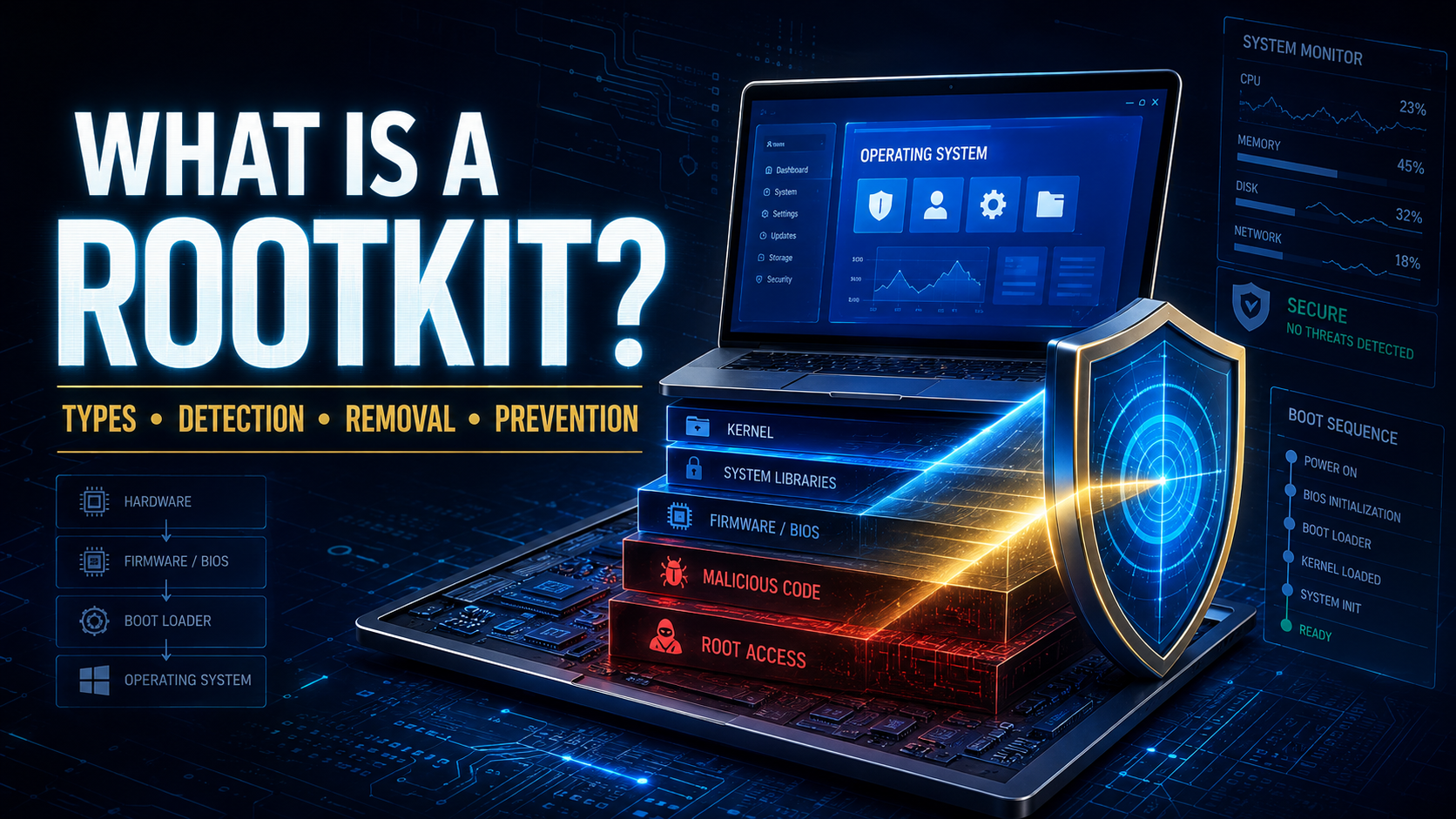
Some malware announces itself through pop-ups, locked files, or obvious system damage. A rootkit takes the opposite approach. Its purpose is to remain hidden while giving an attacker persistent, high-level access to a computer or another device.
A rootkit can conceal malicious files, processes, network activity, user accounts, and other malware. It may also change the information that the operating system reports to security tools. This makes ordinary detection much more difficult.
Because rootkits often operate with administrator, kernel, boot, or firmware privileges, a suspected infection should be treated seriously.
What Is a Rootkit?
A rootkit is a collection of malicious tools designed to provide unauthorized privileged access while hiding its presence.
The word combines “root,” a term for the highest level of access on Unix-like systems, with “kit,” meaning a set of tools.
A rootkit may allow an attacker to:
- Control the device remotely
- Hide malicious processes
- Conceal files and folders
- Create administrator accounts
- Steal passwords
- Monitor user activity
- Disable security software
- Install additional malware
- Change system settings
- Intercept network communications
- Survive restarts
- Maintain long-term access
A rootkit is not always the first malware to reach a device. An attacker may initially use a Trojan, phishing attachment, stolen password, or software vulnerability. The rootkit is then installed to hide the compromise and preserve access.
How Does a Rootkit Work?
A rootkit positions itself inside a trusted or privileged part of the system.
It may replace legitimate files, modify the operating system, intercept system requests, change the boot process, or alter firmware. When an application asks the device for information, the rootkit can manipulate the answer.
For example, a security tool might request a list of active processes. The rootkit intercepts that request and removes its own process from the displayed list.
Microsoft explains that rootkits can change normal operating-system processes so the device no longer reports accurate information about itself. They may also provide attackers with elevated permissions for spying, data theft, and installing additional malware. Microsoft Security
Why Are Rootkits Dangerous?
Rootkits are dangerous because they combine powerful access with concealment.
A rootkit may allow an attacker to remain inside a system for a long time without producing an obvious warning. While hidden, the attacker can observe activity, steal information, change configurations, or prepare another attack.
Potential consequences include:
- Identity theft
- Financial fraud
- Data breaches
- Stolen business information
- Compromised email accounts
- Webcam or microphone surveillance
- Ransomware installation
- Security-tool manipulation
- Botnet participation
- Complete device control
Removing the visible malware does not necessarily remove the rootkit that installed or protected it.
Common Types of Rootkits
User-Mode Rootkit
A user-mode rootkit operates at the application level.
It may modify ordinary programs, system libraries, application settings, or processes. Because it does not always control the deepest parts of the operating system, it can be easier to detect and remove than more privileged rootkits.
However, it can still hide files, monitor activity, and steal information.
Kernel-Mode Rootkit
A kernel-mode rootkit operates inside the core of the operating system.
The kernel manages memory, hardware, processes, files, and other essential functions. Malware running at this level can intercept important system operations and gain extensive control.
An unstable or poorly designed kernel rootkit may cause crashes and serious system errors.
Bootkit
A bootkit infects the boot process.
It may modify the master boot record, bootloader, or another component used before the operating system starts. Because the malicious code loads early, it can influence the system before ordinary security tools become active.
Firmware Rootkit
A firmware rootkit hides inside the software that controls hardware components.
Potential targets include:
- System firmware
- Network cards
- Storage controllers
- Routers
- Other embedded devices
Firmware rootkits are uncommon but particularly persistent. Reinstalling the operating system may not remove malware stored outside the main drive.
Hypervisor Rootkit
A hypervisor rootkit attempts to place a malicious virtualization layer beneath the operating system.
The normal system then runs above that layer without necessarily realizing it is being monitored or controlled.
These rootkits are highly sophisticated and less common than ordinary user-mode threats.
Memory Rootkit
A memory rootkit operates mainly in the device’s RAM.
It may disappear when the device is completely powered off, but it can still steal information and interfere with the system during an active session.
Application Rootkit
An application rootkit replaces or modifies files belonging to a trusted program.
It may alter an application so that ordinary actions also execute hidden malicious code.
Rootkit vs. Virus
A computer virus attaches to files and replicates when those files run.
A rootkit focuses on privileged access and concealment. It does not need to reproduce like a virus.
A virus may install a rootkit, while a rootkit may hide a virus from security software.
Rootkit vs. Trojan Horse
A Trojan horse disguises itself as a legitimate file or program to enter a device.
A rootkit hides malicious activity after access has been obtained.
A Trojan is often the delivery method, while the rootkit provides persistence and concealment.
Rootkit vs. Spyware
Spyware is designed to collect information secretly. A rootkit is designed to provide hidden privileged access or conceal other malicious components.
A rootkit may include spyware features or hide a separate spyware program.
Rootkit vs. Bootkit
A bootkit is a specific type of rootkit that targets the startup process.
The word “rootkit” covers several locations and techniques, while “bootkit” describes rootkits that load before or during the operating-system boot sequence.
How Does a Rootkit Get Installed?
Trojanized Software
A malicious application may appear to be a game, system utility, driver, security tool, cracked program, or legitimate installer.
When the user grants administrator permission, the program installs a rootkit in the background.
Phishing Attachments
An infected document or executable attachment may exploit a vulnerability or persuade the recipient to enable malicious content.
The initial malware can then download and install the rootkit.
Stolen Administrator Credentials
An attacker who obtains an administrator password may sign in remotely and install tools that preserve hidden access.
Password theft can occur through phishing, spyware, data breaches, or password reuse.
Unpatched Vulnerabilities
Rootkits may exploit weaknesses in operating systems, drivers, firmware, browsers, and business applications.
High-privilege vulnerabilities are especially valuable because they can allow malware to move from an ordinary account to administrator or kernel-level access.
Malicious Drivers
A driver operates with significant system privileges because it communicates between the operating system and hardware.
A malicious or vulnerable driver can give an attacker a path into the kernel.
Supply-Chain Attacks
Attackers may compromise a trusted software provider, update system, or development process.
The rootkit then reaches users through software that appears properly signed and legitimate.
Physical Access
Someone with direct access to a device may boot from external media, change firmware settings, install monitoring software, or replace system components.
Strong physical security is therefore part of rootkit prevention.
Warning Signs of a Rootkit Infection
Rootkits are designed to hide, so there may be no obvious symptoms. When symptoms appear, they can resemble hardware failures or ordinary software problems.
Possible warning signs include:
- Security software being disabled
- Antivirus updates repeatedly failing
- Unknown administrator accounts
- Unusual network activity
- System settings changing without permission
- Frequent crashes or blue-screen errors
- Device becoming unusually slow
- Files appearing and disappearing
- Processes returning after removal
- Browser or firewall settings changing
- Boot errors
- Unexpected remote connections
- Security scans closing without explanation
- System files failing integrity checks
- Malware returning after repeated cleanup
- Device behavior differing between normal and offline scans
One unusual event does not prove that a rootkit exists. Rootkit detection tools can also produce false positives when legitimate drivers or security products behave in complex ways.
How Are Rootkits Detected?
Signature-Based Detection
Security software compares files and memory against known rootkit patterns.
This can identify previously analyzed threats but may miss new or heavily modified variants.
Behavioral Detection
Behavioral tools look for suspicious actions rather than one exact file signature.
Examples include hidden processes, attempts to disable security controls, unusual driver activity, and unauthorized changes to the boot process.
Integrity Checking
An integrity checker compares important files, firmware, and system components with known clean versions.
Unexpected changes may indicate tampering.
Memory Analysis
Security specialists can examine the contents of memory for hidden processes, drivers, injected code, and other signs of compromise.
Network Monitoring
A rootkit may hide itself from the infected operating system while still generating observable network traffic.
Monitoring from another device can reveal connections to suspicious servers or unusual data transfers.
Offline Scanning
An offline scanner examines the device from a separate trusted environment.
Because the suspected operating system is not fully running, the rootkit has less opportunity to manipulate scan results.
Boot and Firmware Inspection
Specialized tools can inspect boot records, firmware configurations, trusted-platform measurements, and secure-boot status.
This work is often better handled by experienced security professionals.
What Should You Do If You Suspect a Rootkit?
Disconnect the Device
Disconnect the device from the internet, local network, shared storage, and removable drives.
This can interrupt remote access and reduce the risk to other systems.
Stop Entering Sensitive Information
Do not use the suspected device for banking, email, passwords, private messages, or business systems.
The attacker may be recording activity.
Use a Clean Device
Use another trusted device to secure important accounts.
Change passwords, enable multi-factor authentication, review active sessions, and check recovery information.
Contact the IT or Security Team
If the device belongs to an employer or connects to a business network, report the problem immediately.
Do not attempt an unplanned cleanup that might destroy evidence or allow the attacker to notice the investigation.
How to Remove a Rootkit
Run an Offline Security Scan
An offline scan is an appropriate starting point because it runs outside the potentially compromised operating environment.
Download tools only from the official security provider using a clean device when possible.
Update Security Definitions
Use the most current malware definitions before scanning.
Microsoft’s Safety Scanner, for example, is designed to find and remove malware from Windows computers, but Microsoft notes that it should not replace real-time antivirus protection. Microsoft Learn
Scan All Storage
Check internal drives, external drives, USB devices, recovery partitions, and accessible shared storage.
A hidden copy can reintroduce the infection.
Replace Compromised Files
Security software may be able to repair or replace modified system components.
Manually deleting suspected system files is risky because legitimate operating-system files often have unfamiliar names and locations.
Reinstall the Operating System
A complete clean installation is often the safest response to a confirmed high-privilege rootkit.
A proper reinstall may require:
- Booting from verified installation media
- Deleting existing operating-system partitions
- Recreating partitions
- Installing the latest system version
- Applying security updates before restoring data
- Reinstalling applications from official sources
A simple “keep my files” reset may not provide the same assurance.
Reflash or Replace Firmware
If firmware compromise is genuinely suspected, reinstalling the operating system may be insufficient.
The firmware may need to be reflashed using an official image, or the affected hardware may require replacement. This should be handled using the manufacturer’s documentation or qualified technical assistance.
Restore Only Clean Data
Restore personal documents and photographs only after scanning them.
Do not restore old system images, unknown executables, drivers, scripts, or complete backups that may contain the original infection.
Seek Professional Incident Response
Professional help is strongly recommended when:
- Business systems are affected
- Firmware compromise is suspected
- The rootkit keeps returning
- Sensitive information was stored on the device
- Administrator or domain-level access was obtained
- Legal evidence must be preserved
CISA’s malware-analysis resources include dynamic analysis and recovery recommendations for eligible stakeholders. CISA
What to Do After Removing a Rootkit
From a known-clean device:
- Change every important password
- Enable multi-factor authentication
- Replace compromised recovery codes
- Review email forwarding rules
- Sign out of all account sessions
- Remove unknown connected applications
- Check administrator accounts
- Contact financial institutions if necessary
- Review network and router settings
- Update firmware
- Revoke exposed certificates or keys
- Monitor accounts for unusual activity
- Create a fresh clean backup
Businesses may also need to reset service credentials, API keys, administrator tokens, and other secrets stored on the affected system.
How to Prevent Rootkit Infections
Keep Systems Updated
Install updates for operating systems, drivers, firmware, routers, browsers, and applications.
Updates repair vulnerabilities that attackers may use to gain elevated access.
Download From Official Sources
Use official websites and trusted application stores.
Avoid cracked software, unofficial activation tools, modified drivers, and unknown system utilities.
Enable Secure Boot
Secure Boot helps verify that trusted software loads during startup.
It is not complete protection against every rootkit, but it can make certain boot-level attacks more difficult.
Use Standard Accounts
Avoid using an administrator account for everyday browsing, email, and document work.
Lower privileges can prevent some malware from reaching the system areas it needs.
Enable Real-Time Security Protection
Use reputable security software with real-time monitoring, behavior analysis, tamper protection, and automatic updates.
Do not disable security controls to install an untrusted application.
Protect Administrator Accounts
Use unique passwords and multi-factor authentication for administrator, remote-access, and cloud-management accounts.
Do not share administrator credentials between users or systems.
Control Application and Driver Installation
Businesses should allow only approved and trusted software, scripts, drivers, and system tools.
Driver and application control can block unrecognized code before it reaches a privileged part of the system.
Maintain Offline Backups
Keep clean backups that are separated from ordinary user accounts and devices.
Test the restoration process regularly.
Secure Physical Access
Use device encryption, firmware passwords where appropriate, screen locks, and controlled access to sensitive equipment.
Do not leave unlocked devices unattended in public or shared environments.
Monitor Networks
Track unusual outbound connections, unauthorized remote access, new administrator accounts, and security-control failures.
A rootkit may lie to the infected device, but it cannot always hide its activity from external monitoring.
Can Antivirus Software Detect a Rootkit?
Modern antivirus and endpoint-security products can detect many known rootkits through signatures, behavior monitoring, memory analysis, and offline scanning.
No scanner can guarantee detection of every advanced rootkit. A clean reinstall may be required when trust in the operating system has been lost.
Can a Rootkit Survive a Factory Reset?
Some rootkits can survive an ordinary reset, particularly if they infect boot components, recovery partitions, or firmware.
A full clean installation from trusted external media provides stronger assurance than a basic reset. Firmware-level compromise may require reflashing or replacing hardware.
Can a Rootkit Infect a Phone?
Mobile devices can be affected by malware with rootkit-like capabilities, particularly when attackers gain root, kernel, boot, or system-level privileges.
Keep the phone updated, avoid unofficial apps and modified operating systems, and seek specialized help if a high-risk mobile compromise is suspected.
Can a Rootkit Spread to Other Computers?
A rootkit is primarily designed for hidden access and persistence, not automatic replication.
However, the attacker or accompanying malware can use the compromised device to attack other systems, access shared accounts, or spread worms and Trojans across the network.
Is Every Hidden Process a Rootkit?
No. Operating systems, drivers, virtualization tools, and security applications perform many low-level activities that can look unusual.
Do not delete system files simply because an automated tool reports “rootkit-like behavior.” Confirm the finding with reputable security tools or professional analysis.
