

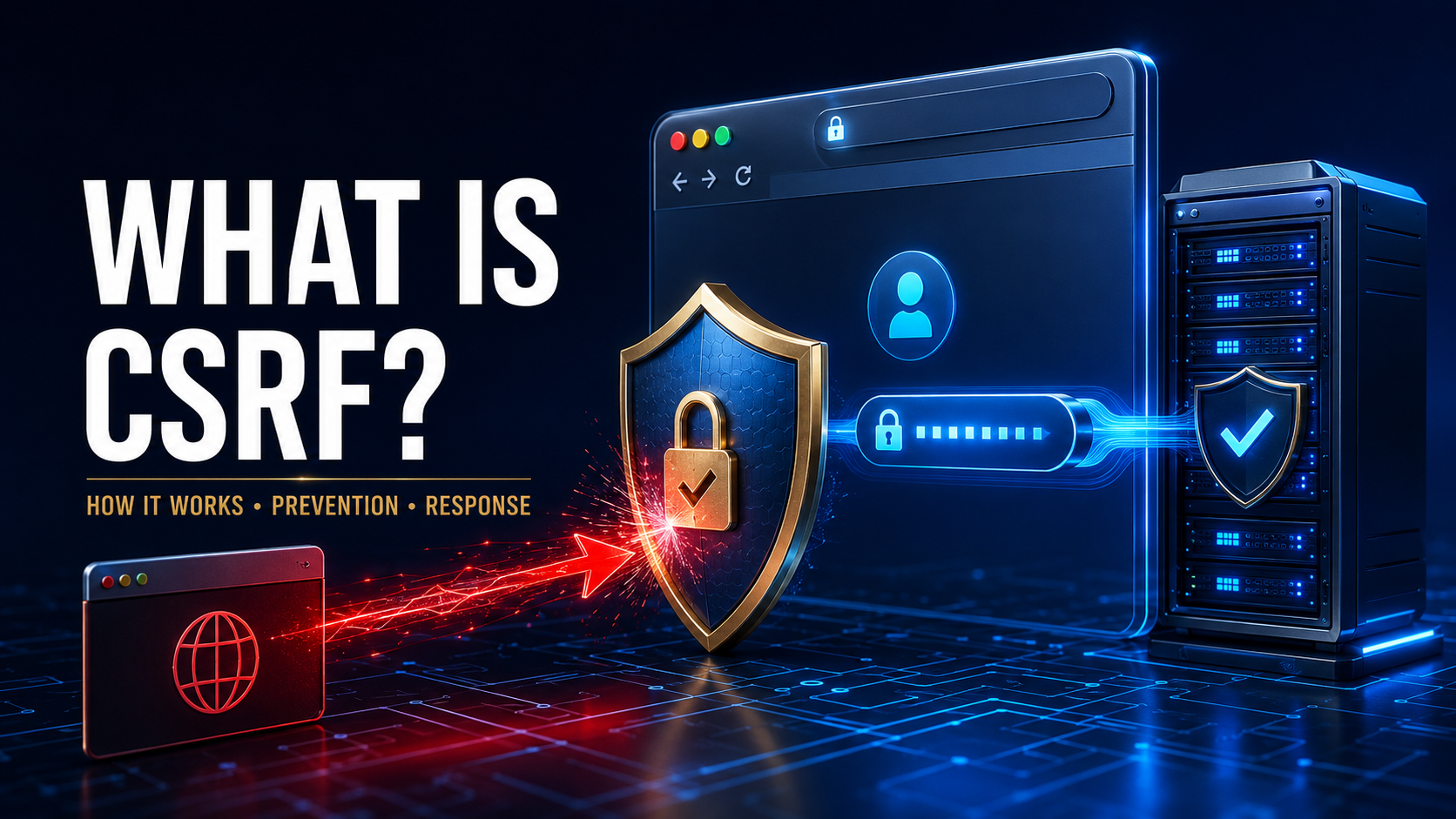
Cross-site request forgery, commonly shortened to CSRF or XSRF, is a web attack that tricks an authenticated user’s browser into sending an unwanted request to a trusted website.
The attacker does not necessarily steal the user’s password or directly take control of the account. Instead, the attack abuses the fact that the browser may automatically include the user’s active session cookie or other authentication information with a request.
If the targeted website cannot distinguish a legitimate request from a forged one, it may perform the attacker’s chosen action as though the user intentionally requested it.
A successful CSRF attack could change account settings, update an email address, submit a transaction, add a new user, or perform an administrative action. The exact impact depends on the victim’s permissions and the functions exposed by the vulnerable application.
How Does a CSRF Attack Work?
A CSRF attack generally requires three conditions:
- The victim is signed in to a website.
- The website performs a sensitive action based on a predictable request.
- The website does not adequately verify that the request was intentionally created from its own trusted interface.
The attacker creates a webpage, link, message, or other piece of content that causes a request to be sent to the vulnerable site.
When the victim interacts with that content—or, in some situations, simply opens a page—the browser may automatically include authentication cookies associated with the target website.
The target application sees a valid session and processes the request.
The attack may follow this sequence:
- A user signs in to a trusted website.
- The authenticated session remains active.
- The user visits an attacker-controlled page or opens a malicious link.
- The content causes the browser to send a request to the trusted website.
- The browser includes the user’s session credentials automatically.
- The trusted website accepts the request without sufficient CSRF protection.
- The unwanted action is performed under the user’s identity.
OWASP defines CSRF as an attack in which a malicious website, email, message, or program tricks an authenticated browser into performing an unwanted action on a trusted site. OWASP’s CSRF Prevention Cheat Sheet provides detailed defensive guidance.
Why Does the Browser Send Authentication Information?
Browsers use cookies to maintain authenticated sessions. After a successful login, the website may issue a session cookie. The browser then sends that cookie with later requests to the same website.
This behavior allows users to move between pages without entering their password every time. However, the browser may attach the cookie based primarily on the request’s destination, not on whether the user intended to make the request.
A vulnerable server may see:
- A valid session cookie
- A valid authenticated account
- A correctly formatted request
- A permitted account action
Without another verification mechanism, it may not know that an unrelated site initiated the request.
What Can an Attacker Do With CSRF?
The attacker can generally perform actions that the targeted user is already allowed to perform.
Possible actions include:
- Changing an account email address
- Updating a password
- Modifying profile information
- Adding a shipping address
- Submitting a purchase
- Transferring funds
- Enabling or disabling a feature
- Connecting an external account
- Creating an API token
- Posting content
- Deleting information
- Changing notification settings
- Adding a new administrator
- Modifying user permissions
- Updating security configurations
The impact becomes much more serious when the victim is an administrator. An administrative CSRF attack could compromise users, settings, content, or the entire application.
OWASP notes that an attack against an ordinary user can compromise that person’s data and actions, while targeting an administrator may compromise the whole web application. OWASP’s CSRF testing guide explains the risk.
Common Types of CSRF Attacks
Login CSRF
In a login CSRF attack, the victim is unknowingly signed in to an account controlled by the attacker.
The victim may then enter personal information, searches, payment details, or other sensitive data into that account. Because the attacker controls the account, they may later access the information.
This differs from a conventional CSRF attack, which normally uses the victim’s existing authenticated session.
Stored CSRF
A stored CSRF attack places the malicious request-triggering content inside the vulnerable application itself.
For example, an attacker may save unsafe content in a profile, comment, forum post, or message. When another user views it, the browser submits an unwanted request.
Stored attacks can affect multiple users without requiring the attacker to send each person a separate external link.
GET-Based CSRF
Some websites incorrectly use a GET request to perform a state-changing action.
GET requests are intended primarily for retrieving information. They can be triggered through links, images, browser navigation, previews, and other mechanisms, making them unsuitable for sensitive changes.
Actions such as changing an email address, deleting a record, or submitting a transaction should not depend on GET requests.
Using POST instead of GET is important, but POST alone does not prevent CSRF.
POST-Based CSRF
A POST request is less likely to be triggered accidentally by normal navigation, but an attacker-controlled page may still submit a forged form.
The server must verify an anti-CSRF token or another appropriate signal rather than assuming that every POST request is legitimate.
Multi-Step CSRF
A sensitive workflow may require several requests. An attacker might attempt to reproduce the necessary sequence if each step is predictable and lacks proper verification.
Applications should protect every state-changing step instead of securing only the final confirmation page.
API CSRF
APIs can be vulnerable when authentication depends on browser-managed cookies.
A JSON API is not automatically safe. Depending on the endpoint, accepted content types, cross-origin configuration, and request structure, an attacker may still be able to trigger an authenticated request.
APIs that use authorization headers instead of automatically attached cookies have a different risk profile, but they still require proper access controls and cross-origin security.
What Is the Difference Between CSRF and XSS?
Cross-site scripting, or XSS, allows untrusted content to run inside a website’s browser context. CSRF tricks the browser into sending an authenticated request that the user did not intend.
The attacker’s capabilities are different:
- XSS can read and modify page content and interact with the application as the user.
- CSRF generally cannot read the protected response because of browser-origin restrictions.
- CSRF focuses on causing actions.
- XSS can often perform actions and access information visible to the user.
A successful XSS attack may defeat CSRF defenses because malicious code running within the trusted website can sometimes obtain tokens and submit legitimate-looking requests. This makes XSS prevention essential even when an application has strong CSRF controls.
What Is the Difference Between CSRF and SSRF?
The abbreviations are similar, but the attacks are very different.
CSRF means cross-site request forgery. It abuses a user’s authenticated browser to send an unwanted request.
SSRF means server-side request forgery. It manipulates a server into sending a request to an unintended destination, such as an internal service or cloud metadata endpoint.
CSRF targets the trust relationship between a browser and a website. SSRF targets the server’s ability to access other network resources.
CSRF Warning Signs
A CSRF attack may not produce an obvious warning because the website processes the request through the victim’s valid session.
Users may notice:
- Account details changing unexpectedly
- An unfamiliar email address or phone number
- New authorized applications
- Transactions they did not request
- Posts or messages they did not create
- Unexpected password-reset activity
- Security settings being disabled
- New API keys or access tokens
- Unrecognized addresses or payment recipients
- Unknown users added to a business account
- Sudden loss of account access
Developers and administrators may observe:
- Sensitive actions without normal navigation history
- Requests missing an expected CSRF token
- Invalid or repeatedly reused tokens
- State-changing GET requests
- Unusual
OriginorRefererheaders - Cross-site traffic reaching sensitive endpoints
- Administrative changes from an unexpected workflow
- Repeated failures in CSRF validation logs
- Sudden changes across multiple accounts
A missing header does not automatically prove malicious activity. Privacy tools, proxies, browser behavior, and network configurations may affect certain request headers.
How Can Developers Prevent CSRF?
Use Built-In Framework Protection
Many modern web frameworks provide built-in CSRF defenses. Developers should enable, correctly configure, and consistently use these protections.
Framework support may include:
- Automatic token generation
- Hidden form fields
- Server-side token validation
- Integration with session management
- Protected form helpers
- Secure defaults for state-changing requests
Custom implementations should be avoided when a mature, maintained framework feature is available.
Use Anti-CSRF Tokens
An anti-CSRF token is a secret, unpredictable value connected to the user’s session or request.
The legitimate application places the token in a form or request. When the request reaches the server, the application verifies that the correct token is present.
An unrelated malicious site should not be able to read the token because of browser-origin protections.
A good token should be:
- Unique to the user’s authenticated session
- Secret
- Unpredictable
- Generated through a cryptographically secure method
- Validated on the server
- Protected from exposure in URLs and logs
The server should reject protected requests when the token is absent or invalid.
Use the Synchronizer Token Pattern
The synchronizer token pattern is commonly used in applications that maintain server-side sessions.
The server generates a CSRF token and associates it with the user’s session. The application includes the token in forms or requests, and the server compares the submitted value with the expected value.
Tokens may be created per session or per request. Per-request tokens can reduce the usefulness of a stolen token but may complicate normal browser navigation and usability.
Use the Double-Submit Cookie Pattern
Stateless applications may use the double-submit cookie pattern.
The application sends a value in a cookie and also requires the client to submit a related value in the request. The server verifies the relationship between them.
Signed, session-bound implementations are stronger than simply comparing two attacker-influenced values. The design should follow current framework or OWASP guidance rather than a homemade variation.
Configure SameSite Cookies
The SameSite cookie attribute controls when browsers include cookies in cross-site requests.
Available settings include:
StrictLaxNone
Strict provides stronger cross-site restrictions but may disrupt legitimate workflows. Lax offers a balance for many applications. None permits cross-site use and requires the Secure attribute.
SameSite cookies provide important protection, but they should not be the only defense. Browser behavior, subdomain relationships, legacy clients, and application requirements can create exceptions.
Verify Origin Information
For state-changing requests, the server may inspect the Origin header and, where appropriate, the Referer header to confirm that the request came from an approved origin.
This can provide a useful defense layer. The implementation must account for proxies, privacy behavior, missing headers, and trusted deployment architecture.
Applications should compare complete, normalized origins rather than using loose substring matching.
Use Custom Request Headers for APIs
Modern JavaScript applications can include a custom header in protected API requests.
A malicious page cannot normally add arbitrary custom headers in a cross-origin request without passing the browser’s cross-origin checks. The server should validate the expected header and maintain a restrictive Cross-Origin Resource Sharing policy.
This approach must be implemented carefully and should not rely on a header whose value is predictable but never actually verified.
Validate Fetch Metadata Headers
Modern browsers may include Fetch Metadata headers describing how a request was initiated and whether it came from the same site, same origin, or a cross-site context.
Servers can use this information to reject unexpected cross-site requests to sensitive endpoints.
Fetch Metadata should be treated as a defense-in-depth control with an appropriate fallback policy for clients that do not send the headers.
OWASP identifies SameSite cookies and Fetch Metadata checks as browser security features that can help prevent cross-origin attacks. OWASP’s browser security guidance provides additional context.
Require Reauthentication for Critical Actions
Highly sensitive operations should require additional confirmation, such as:
- Re-entering the password
- Using a passkey
- Providing a security-key confirmation
- Approving through a trusted device
- Entering a current MFA code
- Confirming transaction details
This can prevent a background request from silently completing an important action.
The confirmation must be tied to the specific transaction so that approval for one action cannot authorize another.
Use Clear User Interaction
For high-impact operations, require deliberate user interaction that a third-party site cannot easily reproduce.
Examples include:
- Confirming the destination and amount
- Reviewing changes before submission
- Requiring the current password
- Using a one-time transaction code
- Displaying a clear final confirmation screen
A simple “Are you sure?” page may be insufficient if it can also be submitted automatically.
Do Not Use GET for State Changes
GET requests should retrieve information without changing server state.
Sensitive actions should use POST, PUT, PATCH, or DELETE as appropriate, along with CSRF protection. Changing the request method alone does not solve the vulnerability, but it removes several easy attack paths.
Protect Every State-Changing Endpoint
Developers should identify all endpoints capable of modifying:
- User information
- Authentication settings
- Permissions
- Financial records
- Application configuration
- Stored content
- Connected services
- API credentials
- Administrative data
Protection must cover web forms, APIs, mobile backends, legacy routes, and administrative tools.
Why CORS Does Not Automatically Prevent CSRF
Cross-Origin Resource Sharing, or CORS, controls whether browser code can read certain cross-origin responses and send particular kinds of requests.
A restrictive CORS policy is important, but it should not be treated as a complete CSRF defense. Some cross-origin requests can still be sent even when the attacker cannot read the response.
Misconfigured CORS can also weaken security by allowing untrusted origins or accepting credentials too broadly.
Does HTTPS Prevent CSRF?
No. HTTPS protects data traveling between the browser and website. It prevents network observers from easily reading or modifying the request.
A CSRF request can still be transmitted over a properly encrypted HTTPS connection. The problem is not the connection’s encryption; it is the server’s inability to confirm that the user intentionally initiated the request.
Does Multi-Factor Authentication Prevent CSRF?
MFA protects the login process and can reduce account takeover, but it does not automatically protect actions performed after authentication.
If the user already has an active session, a forged request may use that session without prompting for another factor.
Requiring transaction-specific MFA or reauthentication for critical actions can provide additional protection.
Can CSRF Steal Information?
Traditional CSRF focuses on causing an action rather than reading the response. The browser’s same-origin policy normally prevents the attacker’s page from reading protected content returned by another origin.
However, an attacker may infer results through observable behavior, exploit a related vulnerability, or cause sensitive information to be sent somewhere they control.
XSS, insecure CORS, cross-origin data leaks, and redirects can increase the possible impact.
How Should CSRF Be Tested?
Testing must be performed only with authorization.
A security review should identify:
- Every state-changing endpoint
- How the application authenticates requests
- Whether CSRF tokens are present
- Whether tokens are validated correctly
- Whether tokens are tied to the right session
- SameSite cookie configuration
- Origin and Referer validation
- CORS policies
- Fetch Metadata handling
- Sensitive GET requests
- Reauthentication requirements
- Alternative API and mobile endpoints
Testing should also confirm that the application rejects requests with missing, altered, expired, duplicated, or mismatched tokens.
Automated scanners can find some issues, but manual testing is often required to understand the application’s workflow and business impact.
What Should an Organization Do After Discovering CSRF?
Confirm the Vulnerability Safely
Reproduce the issue in a controlled environment using test accounts and harmless actions.
Document:
- The vulnerable endpoint
- The affected user roles
- The authentication method
- The missing or broken defense
- The possible state changes
- Whether administrator accounts are affected
- Whether exploitation may have already occurred
Contain the Risk
Temporary measures may include:
- Disabling the vulnerable function
- Restricting the endpoint
- Requiring reauthentication
- Blocking cross-site requests
- Adding a temporary origin check
- Updating cookie settings
- Applying a virtual patch
- Warning administrators
Containment measures should be followed by a proper application-level fix.
Implement a Reliable CSRF Defense
Use the framework’s established CSRF protection where possible. Otherwise, implement an appropriate token pattern and combine it with SameSite cookies, origin checks, and browser security headers.
Do not attempt to fix the issue by checking only whether the request method is POST.
Review Similar Endpoints
A missing CSRF control may represent a broader development pattern. Review all state-changing actions across the application, including:
- Older pages
- Administrative functions
- Mobile APIs
- Account recovery
- Integration settings
- Payment workflows
- User-management tools
Investigate Possible Exploitation
Review authentication logs, state changes, administrator activity, browser-origin information, and user reports.
Determine whether attackers:
- Changed account recovery information
- Added unauthorized users
- Modified permissions
- Created access tokens
- Submitted transactions
- Altered content
- Disabled security settings
Protect Affected Users
Depending on the impact:
- Reverse unauthorized changes
- Revoke suspicious sessions
- Remove unauthorized tokens
- Reset affected credentials
- Notify users
- Review financial activity
- Require stronger authentication
- Monitor affected accounts
What Should a User Do After Suspected CSRF?
If your account performed an action you did not request:
- Open the service through its official website or application.
- Review recent activity.
- Reverse unauthorized changes where possible.
- Change your password if account security may be affected.
- Sign out all other sessions.
- Enable multi-factor authentication.
- Remove unfamiliar devices and connected applications.
- Check recovery email addresses and phone numbers.
- Contact the service provider.
- Review financial activity when relevant.
Avoid returning to the suspicious page or link until the incident has been investigated.
Can Logging Out Prevent CSRF?
Logging out ends the authenticated session and prevents later forged requests from using that session. However, it cannot reverse an action already completed.
Users should sign out of sensitive services on shared devices and avoid leaving high-value administrative sessions active unnecessarily.
The application remains responsible for implementing effective CSRF defenses.
Are CSRF Tokens Always Required?
The correct defense depends on the application’s architecture and authentication method.
Traditional cookie-authenticated applications commonly need anti-CSRF tokens. Some APIs that require a manually supplied authorization header and do not rely on automatically attached credentials may be less exposed to conventional CSRF.
Applications should still assess browser behavior, CORS configuration, cookies, client certificates, and every available authentication route before deciding that tokens are unnecessary.
Can XSS Bypass CSRF Tokens?
Yes. If malicious code runs within the trusted site, it may be able to read a token from the page or send requests through the application’s normal authenticated interface.
CSRF tokens remain necessary, but developers must also prevent XSS through safe output encoding, sanitization, secure browser APIs, and defense-in-depth controls.
